
The Secondary Education Examination (SEE) is the final examination in the secondary school system of Nepal which is being taken by National Examination Board. National Examination Board upgraded from what was previously known as School Leaving Certificate (SLC).
Every student must take this examination for completing the 10th grade of their study before they join higher secondary or intermediate level education (12th grade). As the new Education Act, 2016 (2073) has been implemented, the examination of Grade 10 is known as Secondary Education Examination (S.E.E). This new Education Act was implemented from 2017 March.
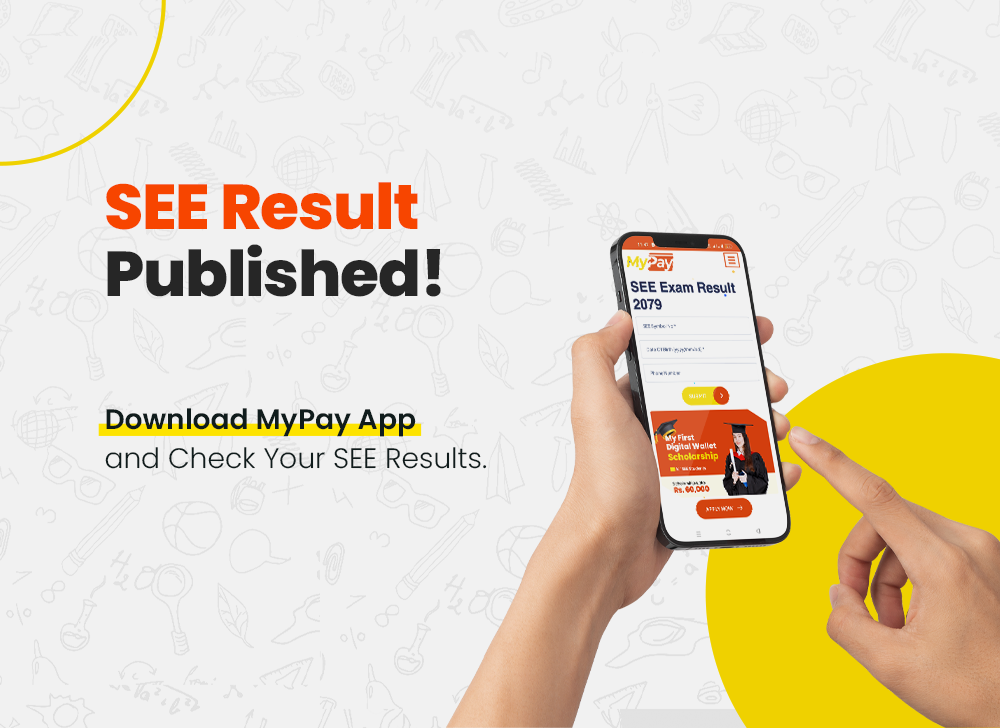
For the SEE appeared students, the SEE results can be both anxious and exciting at the same time. In today’s digital age, checking your SEE result has become easier and more convenient than ever before. With the emergence of the digital wallet MyPay, students can now access their SEE results for the academic year 2079/80 with just a few clicks.
Click here to Download MyPay and View your result: Click Here
With MyPay Digital Wallet, you can simply log in to your account and easily check your result online. This not only saves time but also eliminates the manual processes.
MyPay digital wallet provides a secure and reliable platform for students to access their SEE results. The platform ensures that personal information is protected and confidentiality is maintained throughout the process. Students can rest assured that their data is in safe hands.
In addition to checking your SEE result, MyPay also offers a Scholarship Program to SEE passed out Students for the amount of Rs. 5000/month which helps to serves as a one-step solution for their financial needs.
For More Details about MyPay Scholarship: Click Here
Grading System of SEE:
The table below displays the grading system for SEE (Secondary Education Examination) in Nepal.
| Marks percentage | Grade | Grade Point | Performance |
| 90 to 100 | A+ | 4.0 | Outstanding |
| 80 to less than 90 | A | 3.6 | Excellent |
| 70 to less than 80 | B+ | 3.2 | Very Good |
| 60 to less than 70 | B | 2.8 | Good |
| 50 to less than 60 | C+ | 2.4 | Satisfactory |
| 40 to less than 50 | c | 2.0 | Acceptable |
| 35 to less than 40 | D | 1.6 | Basic |
| 0 to less than 35 | NG | Not Graded | Not Graded |
Follow the below steps to easily check your SEE results from MyPay App:
Click here to Download MyPay and View your result: https://bit.ly/Download-MyPay